Nintendo Switch Minecraft Features, Updates, and Multiplayer Tips
Hey there, fellow block-builders! Imagine this: You’re curled up on the couch, Joy-Cons in hand, crafting a massive castle while your friends on Xbox join in from across the country. That’s the magic of Nintendo Switch Minecraft.
I’ve spent countless hours exploring its pixelated worlds, from surviving zombie hordes in handheld mode to building epic structures in TV docked setup. If you’re new to this or just curious about what makes it tick, stick around. We’ll dive into everything from getting started to the latest tweaks, all while keeping things simple and fun. Let’s jump in!
What Makes Nintendo Switch Minecraft Special?
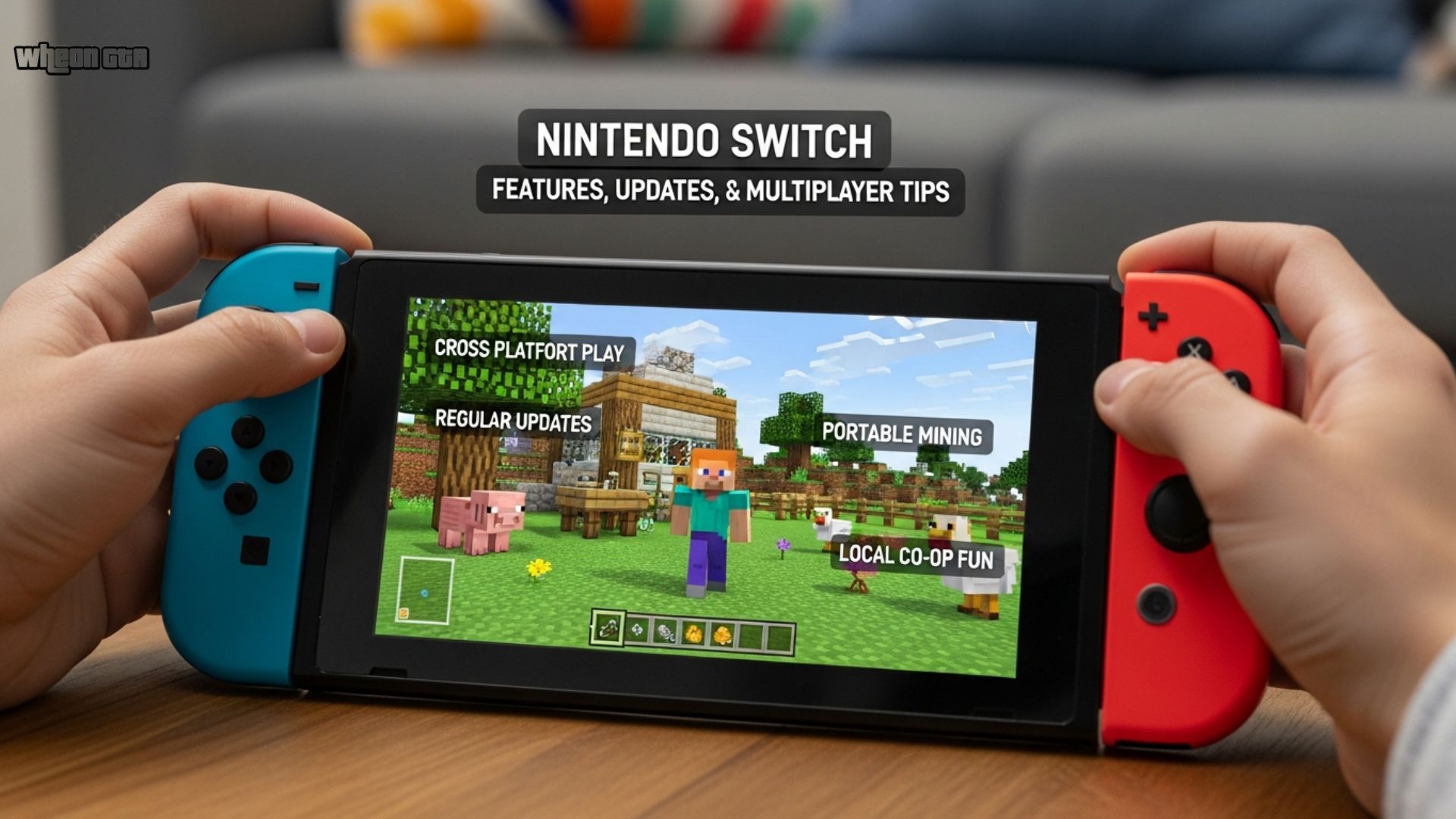
Nintendo Switch Minecraft isn’t just any version—it’s the Bedrock Edition, which means it’s packed with features that let you play anywhere, anytime. Unlike older console games, this one supports full cross-platform play, so you can team up with pals on PC, mobile, or even PlayStation. I remember my first time loading it up; the portability blew me away. Grabbing my Switch for a quick mining session during a bus ride? Game-changer.
The game shines in its blend of Nintendo’s ecosystem and Minecraft’s endless creativity. It comes with an exclusive Super Mario Mash-Up Pack, turning your worlds into Mario-themed adventures complete with Goomba mobs and Mushroom Kingdom textures. This isn’t available on other platforms, making the Switch version feel uniquely fun for Nintendo fans.

Minecraft OLED Nintendo Switch Gameplay
Think custom skins like Mario and Luigi, plus familiar music that adds a nostalgic twist.
From a deeper angle, Bedrock Edition ensures you get ongoing free updates, keeping the game fresh. Over 160 million players across platforms enjoy the same content, building a huge community. But it’s not without its quirks—more on performance later. For now, know that this edition replaced the legacy “Nintendo Switch Edition” back in 2018, and if you owned the old one, you got a free upgrade.
Bedrock Edition Explained
Bedrock is the unified version of Minecraft that runs on consoles like Switch, emphasizing smoothness across devices. It differs from Java Edition (mostly for PC) by focusing on mobile-friendly controls and Marketplace add-ons. On Switch, you get infinite worlds for exploration, crafting systems that let you build anything from simple huts to redstone contraptions, and modes like Survival where you gather resources and fend off creepers.
Why choose Bedrock on Switch? Portability is key. Play in handheld mode for on-the-go fun, or dock it for big-screen action. The controls feel natural with Joy-Cons—splitting them for couch co-op is a blast. Semantic terms like “cross-play Minecraft Switch” or “Bedrock features Nintendo” often lead folks here, and trust me, it’s worth it for the seamless sync via Microsoft Account.
How to Buy and Install Nintendo Switch Minecraft
Getting your hands on Nintendo Switch Minecraft is straightforward, whether you’re going digital or physical. The digital standard edition costs $29.99 on the Nintendo eShop, while the Deluxe Collection bumps it to $39.99 with extras like 1600 Minecoins, maps, and skins. Physical copies are available at retailers like Amazon or Walmart, often ranging from $20 to $40 for new or used versions.
Here’s a quick comparison table to help you decide:
| Edition | Price (Digital) | Key Contents | Best For |
|---|---|---|---|
| Standard | $29.99 | Base game + Super Mario Mash-Up Pack | New players wanting core gameplay |
| Deluxe Collection | $39.99 | Standard + Minecoins, maps, skin packs, textures | Fans who love customization and DLC |
Installation is a breeze—the file size is about 1.6 GB, so it downloads quickly. Sign in with a Microsoft Account to sync progress across devices. If you’re upgrading from the old edition, it’s automatic and free. Pro tip: Check for bundles at stores like GameStop for deals on controllers or accessories. Always buy from trusted sources to avoid fakes—I’ve seen folks get burned by shady online sellers.
For those wondering about Nintendo Switch 2 compatibility, it’s backward compatible, but no native optimizations yet. Community feedback pushes for better performance on the newer hardware.
Gameplay Modes and Features
At its heart, Nintendo Switch Minecraft offers Survival, Creative, and Adventure modes. In Survival, you start with nothing, mining wood for tools and building shelters before nightfall brings mobs like skeletons. Creative gives unlimited resources—perfect for kids dreaming up wild inventions without pressure.
Exploration is endless with biomes from lush forests to eerie Nether dimensions. Recent updates added mounts like Nautilus and Happy Ghasts, plus items like spears and copper golems. I’ve built entire villages using these, and the Vibrant Visuals enhancements make everything pop, though they can tax the Switch’s hardware.
Marketplace is a highlight: Buy skins, texture packs, or worlds like Skyblock. Minecoins transfer via your account, so purchases carry over. For families, it’s great—low entry barrier with creative play that sparks imagination. Just note, some DLC like Stranger Things mash-ups aren’t on Switch due to licensing.

Multiplayer Options: Couch Co-op to Cross-Play
One of the best parts? Multiplayer in Nintendo Switch Minecraft. Up to 4 players can join couch co-op by splitting Joy-Cons, ideal for family game nights. Local wireless supports 8 players without internet—think schoolyard sessions.
For online fun, you’ll need Nintendo Switch Online ($3.99/month). Cross-play lets you connect with Xbox, PC, mobile, or PS friends via Realms servers. I once hosted a build-off with buddies on different platforms; the sync was flawless. Use friends lists and Microsoft Account for easy invites.
Challenges? Online requires stable Wi-Fi, and some report lag in large worlds. But overall, it’s a social powerhouse, fostering teamwork and laughs.
Latest Updates and What’s New
Nintendo Switch Minecraft gets updates shortly after global releases, keeping it in sync with other Bedrock platforms. The current version is 1.21.131 (December 2025), fixing achievements, spear mechanics, and UI tweaks. Recent major ones include:
- Mounts of Mayhem (1.21.130): New mounts like Nautilus, Netherite horse armor, and Realms backups.
- Copper Age (1.21.111): Copper tools, golems, and decorations.
- Chase the Skies (1.21.90): Happy Ghast mounts and leashing overhauls.
- Spring to Life (1.21.70): Pig variants and biome tweaks.
Versioning shifts to 26.x in 2026, with experimental features like Custom Biomes on the horizon. Check full changelogs for hundreds of bug fixes. As someone who’s followed updates since launch, they really keep the game evolving.
Performance and Known Issues
Let’s be real—Nintendo Switch Minecraft isn’t perfect. It runs at around 30 FPS in docked or handheld, with render distances of 8-16 chunks. Large worlds or multiplayer can cause lag, and the original Switch’s hardware limits things compared to PC.
Recent complaints? Version 1.21.131 has UI glitches like tiny world selection screens and “separated” interfaces. Crashes and item loss after freezes are common too. On Switch 2, it’s playable but not optimized yet—folks want 60 FPS.
Disclaimer: These issues vary by setup. Mojang prioritizes stability, but if you’re on older hardware, expect occasional hiccups. No misleading here—it’s still a solid port for most.
Tips to Improve Your Experience
- Adjust settings: Lower render distance for smoother play.
- Clear cache: Helps with connectivity errors.
- Manual updates: Via System Settings if auto fails.
- Archive and redownload: Fixes some bugs.
- Use external storage: For bigger worlds.
I’ve tried these myself—clearing cache fixed my lag spikes during a big build.

Beginner Tips and Tricks
Starting out in Nintendo Switch Minecraft? Don’t worry—it’s easy to pick up. Begin in Creative mode to experiment without threats. Gather basics: Wood for tools, stone for upgrades.
Long-tail tips like “best seeds for Nintendo Switch Minecraft” can lead to amazing worlds—try seed -123456 for a village start. For redstone newbies, build simple doors first. Families love it for teaching problem-solving; my niece built her first farm and beamed with pride.
Avoid common pitfalls: Don’t dig straight down (lava surprises!), and light up bases to stop mob spawns. Join communities on Reddit or X for more ideas.
Conclusion
Wrapping up, Nintendo Switch Minecraft is a portable powerhouse of creativity, blending Bedrock’s features with Nintendo’s charm. From cross-play adventures to Mario mash-ups, it’s ideal for casual gamers and families alike. Sure, performance isn’t top-tier, but with regular updates and community fixes, it stays engaging.
If you’re on the fence, give it a shot—the endless possibilities outweigh the minor flaws. Millions play daily, and you could be next. Grab your Switch, dive in, and build something amazing. What’s your favorite Minecraft memory? Share below—I’d love to hear!
FAQ Section
Q: What is the latest version of Nintendo Switch Minecraft?
A: As of January 2026, the latest is 1.21.131, released in December 2025. It includes fixes for achievements, spear knockback, and UI stability. Recent updates like Mounts of Mayhem add new mobs and mounts. Check the eShop for auto-updates to stay current with Bedrock Edition parity.
Q: How does multiplayer work in Nintendo Switch Minecraft? A: Multiplayer supports 4-player couch co-op, 8-player local wireless, and online cross-play with Xbox, PC, mobile, and PS. You’ll need Nintendo Switch Online for internet games and a Microsoft Account for syncing. Realms servers make hosting easy—great for friends across platforms.
Q: Are there performance issues with Nintendo Switch Minecraft?
A: Yes, some users report lag, FPS drops to 30, and UI glitches in version 1.21.131, like tiny screens. The Switch’s hardware limits render distance. Tips include lowering settings or clearing cache. It’s stable for most, but large worlds can strain it.
Q: What’s included in the Deluxe Collection for Nintendo Switch Minecraft?
A: The Deluxe Collection ($39.99) adds 1600 Minecoins, 6 maps like Skyblock, 3 skin packs, a texture pack, and more to the standard game. It’s perfect for customization fans, with the Super Mario Mash-Up Pack included. All free updates apply.
Q: Is Nintendo Switch Minecraft compatible with Switch 2?
A: Yes, it’s backward compatible on Switch 2, running the Bedrock Edition smoothly. No native optimizations yet, but community hopes for 60 FPS updates. Progress syncs via Microsoft Account, so your worlds transfer easily. Ideal for upgrading hardware