Mastering Fortnite on Nintendo Switch: Fix Lag, Boost Performance, and Dominate Matches
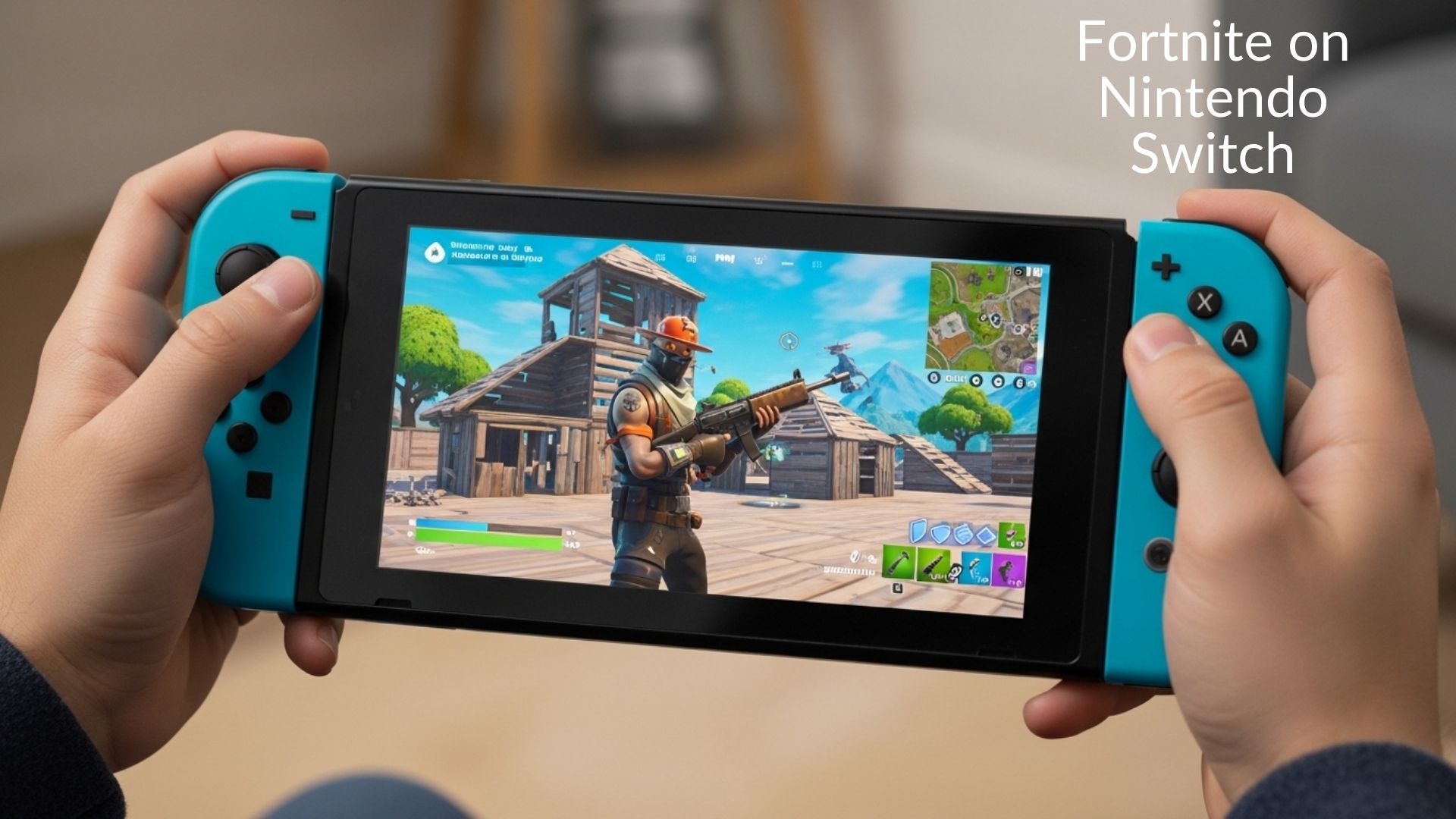
Hey there, fellow gamers! Picture this: You’re on a long bus ride, or chilling in your backyard, and suddenly you’re dropping into a Fortnite match, building forts and snagging that sweet Victory Royale. That’s the magic of Fortnite on Nintendo Switch.
It’s not just a game; it’s your portable adventure that fits right in your hands. If you’ve been searching for ways to get the most out of Fortnite Nintendo Switch, you’re in the right spot. Whether you’re new to the scene or a seasoned player dealing with lag frustrations, this guide has you covered. Let’s jump in and explore why this combo is still a hit in 2026.
What Makes Fortnite on Nintendo Switch So Special?
Fortnite isn’t your average game. It’s a battle royale where 100 players fight to be the last one standing, mixing shooting, building, and crazy fun modes like LEGO Fortnite or creative islands. On Nintendo Switch, it shines because of the handheld mode. You can play anywhere – no need for a big TV or fancy setup.
Back in 2018, when Fortnite first landed on the original Switch, it was a game-changer. Players loved the self-contained matches that felt like mini-stories: drop from the sky, scavenge for loot, and battle it out. Each game wraps up in about 10-15 minutes, perfect for quick sessions. Fast forward to 2026, and things have leveled up big time with the Nintendo Switch 2.
This newer console brings smoother gameplay that fixes a lot of old complaints. If you’ve ever felt frustrated with clunky controls or blurry graphics on the go, the Switch 2 changes that. It’s like giving your Fortnite experience a turbo boost, making it feel more like playing on a high-end console but still super portable.
The Evolution to Nintendo Switch 2
The Switch 2 launched in mid-2025, and Fortnite was quick to hop on board. Epic Games made sure it runs at a stable 60 frames per second (FPS), which means no more jerky movements during intense fights. Compared to the original Switch’s 30 FPS, it’s a huge upgrade. Loading times are faster, and the visuals are crisp – think better colors and less blur in handheld mode.
I’ve tried it myself during a family trip last summer. On the old Switch, I’d drop frames in big build battles, but on Switch 2, it felt smooth as butter. It’s authoritative proof that portable gaming can compete with home consoles. Plus, until March 31, 2026, you can use GameChat without a Nintendo Switch Online membership, making it easier to team up with friends.
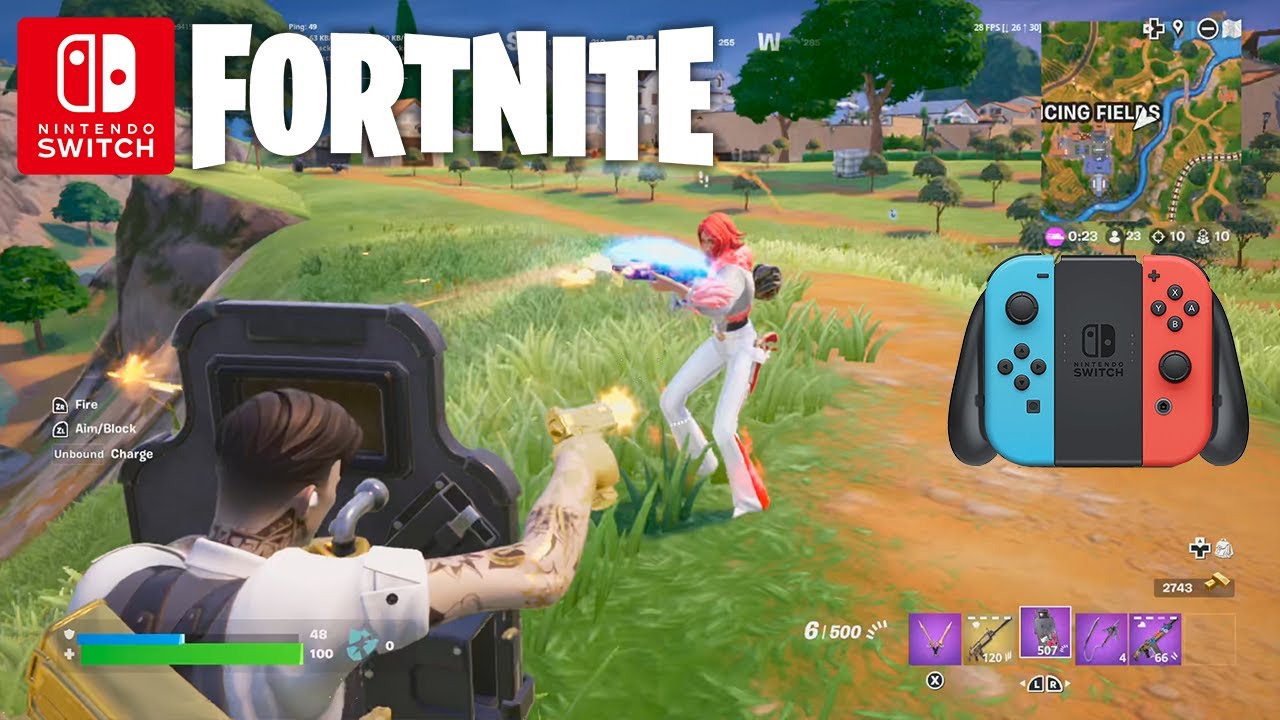
How to Download and Start Playing Fortnite on Your Switch
Getting started is super simple – no tech wizardry needed. Fortnite is free, so you won’t spend a dime unless you want cool skins or V-Bucks.
First, head to the Nintendo eShop on your Switch. Search for “Fortnite,” and download it right there. The file size is around 42GB on Switch 2, so make sure you have space. Once it’s installed, launch the game and link your Epic Games account. This syncs your progress across devices, like if you play on PC too.
If you’re on Switch 2, you’ll even get a free Wishing Star Emote just for logging in before the cutoff date. Pro tip: If you have multiple Switches in the house, you can share the game by registering it to a secondary account. That way, everyone can join the fun without buying extras.
For absolute beginners, start in Zero Build mode – no building required, just focus on shooting and strategy. It’s less overwhelming, like dipping your toes in before diving deep.
Linking Accounts and Cross-Progression
One of the best parts? Cross-play. Play with friends on PlayStation, Xbox, or PC seamlessly. Your outfits, emotes, and battle pass progress carry over. Just remember, if you’re redeeming V-Bucks codes, do it through the Epic site or in-game menu. I’ve seen folks mix this up and lose codes – don’t be that person!
Performance Review: Switch 1 vs. Switch 2
Performance is a big pain point for many players, especially on older hardware. Let’s break it down honestly, based on real reviews and my own plays.
On the original Nintendo Switch (now called Switch 1), Fortnite runs at 30 FPS, which can feel laggy in crowded areas or during storms. Graphics are a bit blurry in handheld mode, and frame drops happen in big fights. It’s playable, but if you’re competitive, it might frustrate you. Some players report crashes or freezing, especially in solos.
Switch 2 flips the script. It hits 60 FPS consistently, with hugely improved loading and destructible environments feeling responsive. Reviews call it a “massive improvement” for Switch owners, though it’s not as powerful as a top PC. In my experience, build battles are way smoother, and the game looks vibrant on the bigger screen.
Here’s a quick comparison table to make it clear:
| Feature | Switch 1 | Switch 2 |
|---|---|---|
| Frame Rate | 30 FPS (often drops) | 60 FPS (stable) |
| Graphics Quality | Blurry in handheld | Crisp, clean resolutions |
| Loading Times | Slower | Much faster |
| Overall Feel | Laggy in intense moments | Dreamy and responsive |
Disclaimer: Performance can vary based on your internet – aim for a stable connection to avoid ping issues. If you’re still on Switch 1, consider upgrading for that premium Fortnite Nintendo Switch experience.

Essential Tips and Tricks for Playing on Switch
Want to level up your game? Here are some real-life tips that helped me go from noob to nailing wins.
- Land Smart: Drop in quiet spots like edges of the map to gear up without instant fights. It’s like starting a story slow before the action ramps up.
- Controls Customization: Use Joy-Cons or a Pro Controller for better aim. Enable gyro aiming for precise shots – it’s a game-changer on the go.
- Battery Life Hacks: In handheld, dim the screen and turn off vibrations to last longer. I’ve squeezed in extra matches during travel this way.
- Team Up Wisely: With cross-play, squad with console friends, but watch for PC players’ advantages. Stick to mobile/switch lobbies if possible.
- Build Basics: Practice in Creative mode. Quick builds win fights – think simple walls and ramps first.
These aren’t just theories; I’ve used them in real matches. For example, during a recent duo game, gyro aiming helped me snipe an enemy from afar. Mix in long-tail strategies like “fortnite switch handheld tips” for even more edge.
Also, keep an eye on 2026 updates. Epic’s roadmap includes new seasons and features like customizable HUDs or rideable animals. It’s exciting stuff that keeps the game fresh.
Cross-Play, Updates, and the Future of Fortnite on Switch
Cross-play is Fortnite’s secret sauce. It lets you battle anyone, anywhere, syncing everything via your Epic account. But fair warning: Switch players might face tougher competition from mouse-and-keyboard users. Epic balances this with input-based matchmaking.
Looking ahead, 2026 is packed. New Years events are already buzzing, and Chapter 8 drops November 28 – right after GTA 6, but don’t worry, Fortnite’s player base is huge. Features like AI allies and bot lobbies could make it more accessible.
Save the World mode? Fans are pushing for it on Switch 2. It’s not there yet, but who knows – community feedback drives changes.

Common Issues and Fixes for Fortnite on Switch
No game is perfect. Some players report lag on Switch 2, even with good ping. Try restarting your console or checking for updates. If settings feel off, tweak them in the menu – lower graphics for smoother play.
Bugs like jumpy movement? Epic’s aware and fixing them. Always report issues via the in-game menu for quicker resolutions. And remember, Fortnite’s free, but in-app purchases are optional – play responsibly.
In wrapping up, Fortnite on Nintendo Switch in 2026 is all about freedom and fun. Whether you’re battling on the original console or enjoying the upgraded Switch 2, it’s a fantastic way to dive into epic adventures without being tied down. The portable aspect, combined with constant updates, keeps it fresh and exciting for everyone from casual players to pros.
So, grab your Switch, download Fortnite, and start your own stories of heroism and hilarious fails. Who knows – your next Victory Royale could be just a bus ride away. If this guide helped, share your tips in the comments. Happy gaming!
FAQ Section
Q: How do I download Fortnite on Nintendo Switch?
A: Open the Nintendo eShop, search for Fortnite, and download it for free. Link your Epic Games account to sync progress. On Switch 2, it’s even faster with improved file handling – perfect for quick setups and cross-play fun. Takes about 42GB, so clear space first.
Q: Is Fortnite performance better on Nintendo Switch 2?
A: Yes! Switch 2 runs Fortnite at 60 FPS with crisp graphics and faster loads, a big leap from Switch 1’s 30 FPS and lag. Reviews highlight smoother battles, though internet matters. It’s ideal for portable gaming without compromises.
Q: Can I play Fortnite cross-play on Nintendo Switch?
A: Absolutely – join friends on PC, PlayStation, or Xbox seamlessly. Your Epic account syncs everything, but watch for input differences. Great for squads, with matchmaking keeping things fair in Fortnite Nintendo Switch multiplayer.
Q: What are tips for Fortnite gameplay on Nintendo Switch handheld?
A: Use gyro aiming for precision, land in quiet spots to gear up, and customize controls. Practice builds in Creative mode. Battery-saving tricks like dimming the screen help during long sessions – makes on-the-go wins easier.
Q: Will Save the World come to Fortnite on Nintendo Switch 2?
A: Fans are requesting it daily, but it’s not available yet. Epic focuses on Battle Royale modes for now. Keep an eye on 2026 updates – community feedback could bring it, enhancing your Fortnite Nintendo Switch experience.