
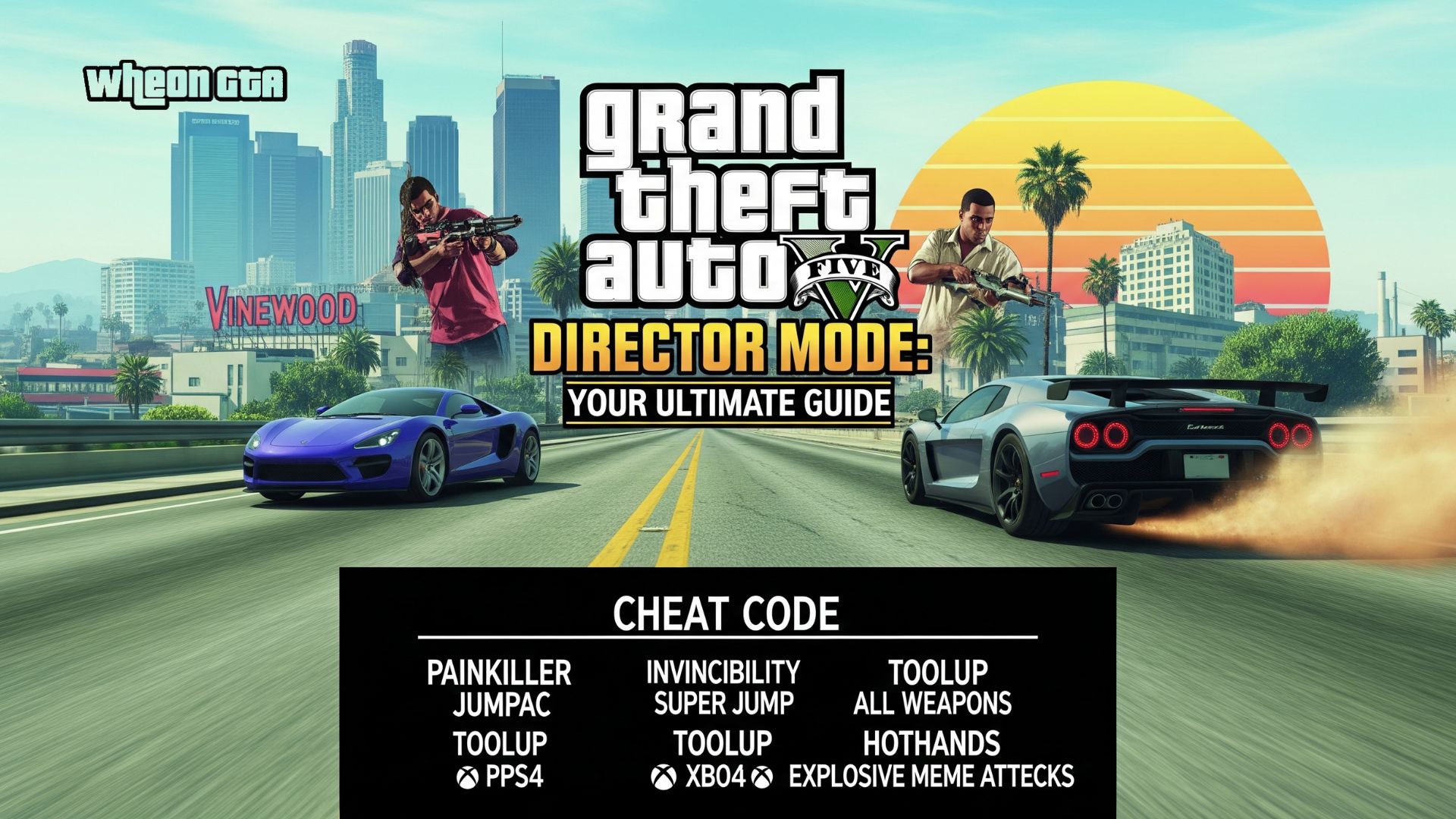
Grand Theft Auto V Director Mode: Your Ultimate Guide
Have you ever been playing Grand Theft Auto V, witnessed something utterly insane like a UFO crashing into a police chase and thought, “I wish I could have filmed that!”? Or maybe you’ve wanted to create your own action movie set in the sprawling city of Los Santos?
Well, guess what? You can. Rockstar Games built a whole Hollywood studio right into the game, and it’s called Director Mode.
Think of it as your personal movie-making playground. It’s a hidden gem within GTA V that turns you from a player into a director, cinematographer, and star of your own productions. If you’ve ever spent hours messing around with the game’s cheats, you’ll find that Director Mode is like that, but with superpowers. This guide will walk you through everything you need to know to become the next big director of Los Santos.
What Exactly is GTA V Director Mode?
Let’s break it down in simple terms. Director Mode is a special feature in Grand Theft Auto V that lets you take control of the game’s world like never before. It’s accessed from the “Pause Menu > Rockstar Editor” section.
Imagine you’re the boss on a movie set. You can:
- Choose any character from the game’s vast roster, from Michael and Trevor to a random pedestrian or even an animal!
- Control the weather and time of day with a simple click.
- Spawn vehicles instantly, from sports cars to fighter jets.
- Turn on cheats like invincibility, explosive melee attacks, and more, without typing a single code.
- Record your scenes and then use the powerful Rockstar Editor to cut them together into a full-blown movie.
In short, it removes all the limitations of the standard game and hands you the keys to the entire city. It’s pure, unadulterated creative freedom.
How to Unlock and Access Director Mode
Getting into Director Mode is straightforward, but there’s one key thing you need to do first.
- Complete the Prologue: You must finish the game’s opening mission (the North Yankton bank heist) to unlock the open world.
- Access the Pause Menu: While in Story Mode, press the pause button.
- Navigate to the Rockstar Editor: Go to the “Rockstar Editor” tab in the pause menu.
- Select Director Mode: From there, you’ll see the option to launch right into Director Mode.
And that’s it! You’re in. No complicated unlocks or hidden quests. It’s available to all players from the very start.
Mastering the Director Mode Menu: Your Toolkit for Chaos
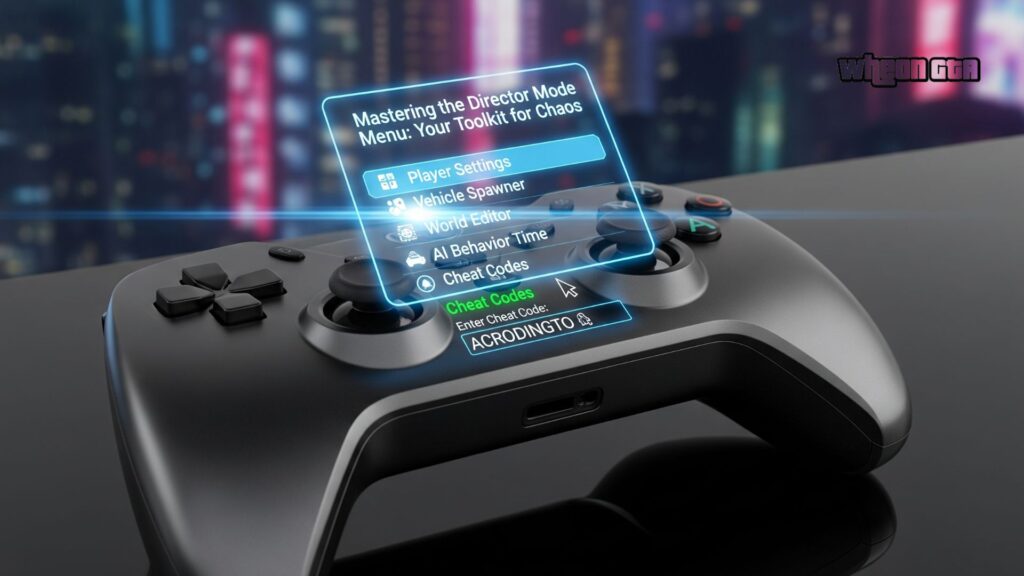
When you first load into Director Mode, you’ll see a radial menu (a circle of options) pop up. This is your director’s chair. Let’s explore each of these options in detail.
Your Actor Portfolio: Choosing the Perfect Character
This is the most fun part. You are no longer limited to Michael, Franklin, and Trevor. The character selection in Director Mode is incredible.
- Main Characters: Of course, you can play as the main trio.
- Storyline Characters: Want to cause chaos as Lamar, Lester, or Agent 14? Now you can.
- Animals: This is a fan favorite. You can roam Los Santos as a mountain lion, a chimpanzee, or even a coyote. It completely changes the gameplay!
- Mythical & Special Characters: Unlock and play as unique characters like the Alien, the Zombie, or the infamous Yeti (if you’ve found him in Online).
- Random Pedestrians: Feel like being a businesswoman from Rockford Hills or a beach bum from Vespucci? Go for it.
Pro Tip: Some characters, like animals or special NPCs, have unique abilities and animations that make for hilarious and unique footage.
Setting the Scene: Weather, Time, and Location
A good director knows that setting is everything. The scene settings menu is your key to controlling the atmosphere.
- Time of Day: You can freeze time, make it cycle normally, or instantly jump to Dawn, Noon, Dusk, or Midnight. Getting that perfect “golden hour” shot for a dramatic scene is easy.
- Weather: Want a sunny, bright Los Santos? A foggy, mysterious Blaine County? Or a torrential downpour for a dramatic car chase? You have over a dozen weather options at your fingertips.
- Location: While you can’t teleport from the menu, you can quickly change your location by loading a new actor who is in a different part of the map.
- Prop Department: Spawning Vehicles and Enabling Cheats
What’s a GTA movie without cool cars and over-the-top action? The properties menu has you covered.
- Vehicle Spawner: This is a game-changer. Scroll through a list of almost every vehicle in the game and spawn it right in front of you. Need a Rhino tank for a military invasion? A Luxor deluxe plane for a luxury tour? It’s all here.
- Player Abilities (Cheats): This is where you enable powerful modifiers. The most popular ones include:
- Invincibility: Become bulletproof and explosion-proof.
- Explosive Melee: Every punch is a tiny explosion.
- Explosive Ammo: Turn any weapon into a cannon.
- Fast Run/Swim: Increase your movement speed dramatically.
- Skyfall: Spawn high in the sky with a parachute, perfect for establishing shots.
A quick disclaimer: Using these abilities is incredibly fun, but remember, any clips you record and save are tied to your game. They are for personal creative use within the Rockstar Editor.
From Recording to Premier: Using the Rockstar Editor
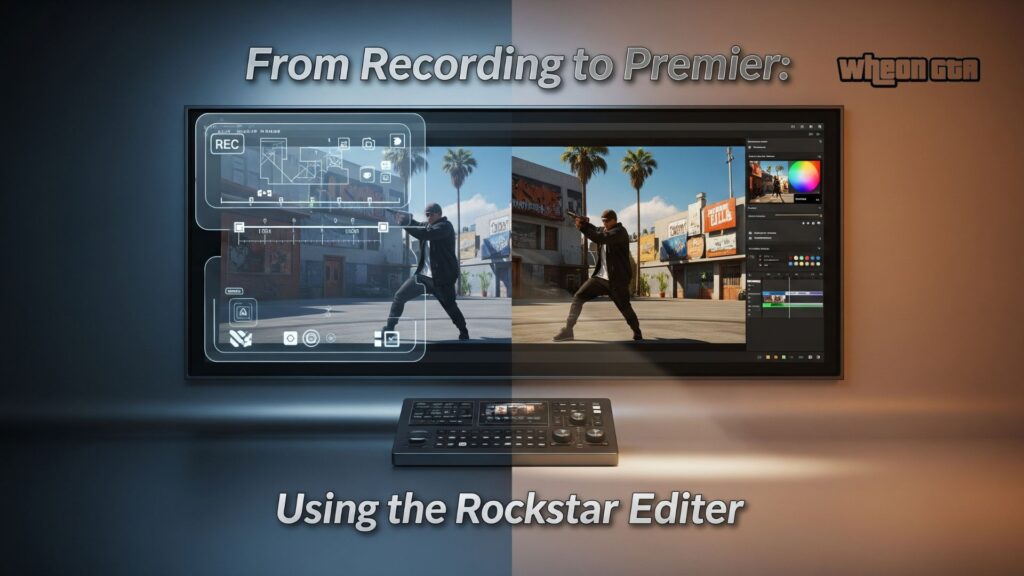
So, you’ve set up an amazing scene. You’re an invincible astronaut riding a bicycle off Mount Chiliad during a thunderstorm. How do you save this masterpiece? This is where the Rockstar Editor comes in.
How to Record Your Masterpiece
Recording is simple but requires a bit of planning.
- Start Recording: While in Director Mode, bring up the interaction menu and look for the “Rockstar Editor” option. Select “Record” to start capturing. A small red icon will appear.
- Play Your Scene: Now, just go about your business. Stage your car chases, firefights, or comedic sketches. The game is recording everything you see and do.
- Stop Recording: When you’re done, go back into the interaction menu and select “Stop Recording.” Your clip is now safely saved.
A word from experience: Record in short, manageable clips. It’s easier to work with a few 30-second to 2-minute clips than one giant 10-minute file in the editor.
Basic Editing in the Rockstar Editor
Once you have some clips saved, head back to the “Rockstar Editor” in the pause menu. Here, you can create a new project.
The editor might look complex, but the basics are easy to grasp:
- Timeline: This is where you arrange your clips. You can trim them, split them, and place them in order.
- Camera Tools: This is the magic. You can detach the camera from your character and fly it anywhere like a drone. You can set keyframes to create smooth, cinematic camera movements.
- Filters & Effects: Add different color filters, film grain, or depth of field to give your movie a specific style.
- Audio: You can add music from the game’s score or adjust the sound effects levels.
Don’t be afraid to experiment! Some of the best GTA videos on YouTube were made by people just playing around with these tools.
Creative Ideas to Try in Director Mode
Stuck for ideas? Here are some fun concepts to get your creative juices flowing:
- The Nature Documentary: Play as a wild animal and film your life. Narrate (in your head) like David Attenborough as your mountain lion hunts unsuspecting hikers.
- The Superhero Film: Use invincibility and explosive melee to become a superhero. Create a story where your character protects Los Santos from a gang of cloned actors (using the clone glitch).
- The Silent Short Film: Tell a story without any words. Use camera angles, character expressions, and the environment to create a emotional or comedic short.
- Recreate a Movie Scene: Love a famous car chase from Bullitt or a shootout from Heat? Use the tools to recreate it shot-for-shot in Los Santos.
Director Mode vs. Story Mode: What’s the Difference?
It’s important to understand how Director Mode differs from the main game.
| Feature | Story Mode | Director Mode |
|---|---|---|
| Goal | Follow a narrative, complete missions, make money. | Pure sandbox creativity. No missions or goals. |
| Characters | Primarily Michael, Franklin, and Trevor. | Huge roster of characters, including animals and NPCs. |
| Powers | Limited to character-specific abilities. | Access to powerful cheats and modifiers from a menu. |
| Persistence | Your actions have consequences (wanted levels, money). | Nothing is permanent. It’s a pure sandbox. |
| Purpose | To experience a story. | To create your own stories. |
Conclusion
Grand Theft Auto V Director Mode is more than just a fun distraction; it’s a powerful creative suite that extends the life of the game infinitely. It empowers you to be more than just a player you become a storyteller, a visual artist, and a director. The only limit is your own imagination.
Whether you want to create a blockbuster action movie, a hilarious comedy sketch, or just experiment with the physics engine as a raccoon, Director Mode provides the tools. So, fire up GTA V, dive into that menu, and start directing. Los Santos is waiting for your vision.
FAQs)
Q: Can you use Director Mode in GTA Online?
A: No, Director Mode is exclusively a feature of Grand Theft Auto V’s Story Mode. However, GTA Online has the Rockstar Editor, which allows you to record and edit footage from your Online sessions, but without the special spawning and cheat-menu powers of Director Mode.
Q: Why can’t I find some characters, like the Monkey or the Alien, in the character list?
A: Some special characters are unlocked by completing certain challenges or finding them in the game world first. For example, you may need to collect all the figurines as part of the “Action Figures” quest in GTA Online to unlock them in Story Mode’s Director Mode.
Q: Do my Director Mode creations save?
A: Your recorded clips and projects within the Rockstar Editor are saved to your console or PC. However, the gameplay session itself in Director Mode does not save your progress like Story Mode does. When you leave, you’ll start fresh next time.
Q: Can I upload my videos to YouTube?
A: Absolutely! The Rockstar Editor has a direct export and upload function. You can upload your finished movies directly to YouTube or the Rockstar Social Club for the world to see.
Q: Is Director Mode available on all platforms?
A: Yes, Director Mode is available on PlayStation, Xbox, and PC versions of Grand Theft Auto V. The functionality is identical across all platforms.


